
Search naturally
Enter a country, city, region, landmark or feature. Search common names, native names, ISO codes and close typos.
Free VISINVOKE utility
Find a place.
Follow its geography.
Keep the evidence attached.

From a name to its place in the world
Read geography and place facts with their source evidence.
Enter a country, city, region, landmark or feature. Search common names, native names, ISO codes and close typos.
Use region and country context to distinguish same-name places. Follow the hierarchy before opening the detailed record.
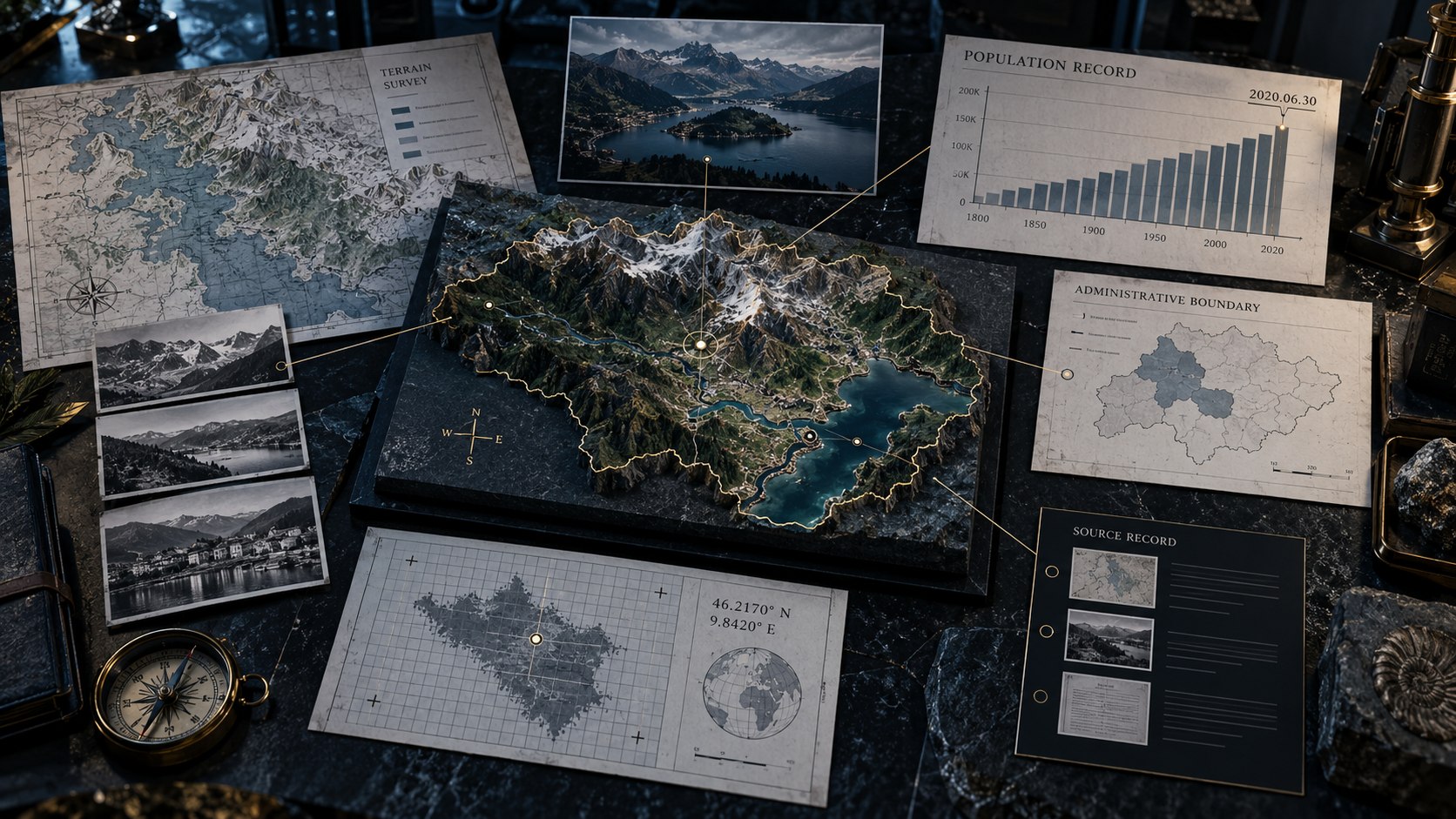
A place record with context
The illustration connects a fictional place to terrain, a dated population record, an administrative boundary, coordinates and a source record.
Inspect the geographic relationships and measurement dates that make each place fact understandable.
Names, measures and source evidence
Keep geography, dates and uncertainty beside the answer.
Search common and native names, ISO codes, City, Country and close typos across countries, cities, regions, landmarks and natural features.
Follow the country, region and place relationships that give a result context. Resolve same-name places using their geography.
Read population alongside its measurement year. Keep the date attached when comparing place facts.
Inspect the language and currency context attached to a place alongside its other geographic facts.
Open a local map while exploring a place and its surrounding geography.
See the place time zone and current local time, computed on your device.
Align figures that can be compared meaningfully. Keep unknown values explicit rather than filling the gaps.
Keep the provider, licence, confidence and conflict information visible when reviewing sourced enrichment.
Start with a small packaged geography pack from GeoNames and Natural Earth, with its versions, licences and checksums recorded.
Keep favourite places locally on your device and return to useful geographic records.
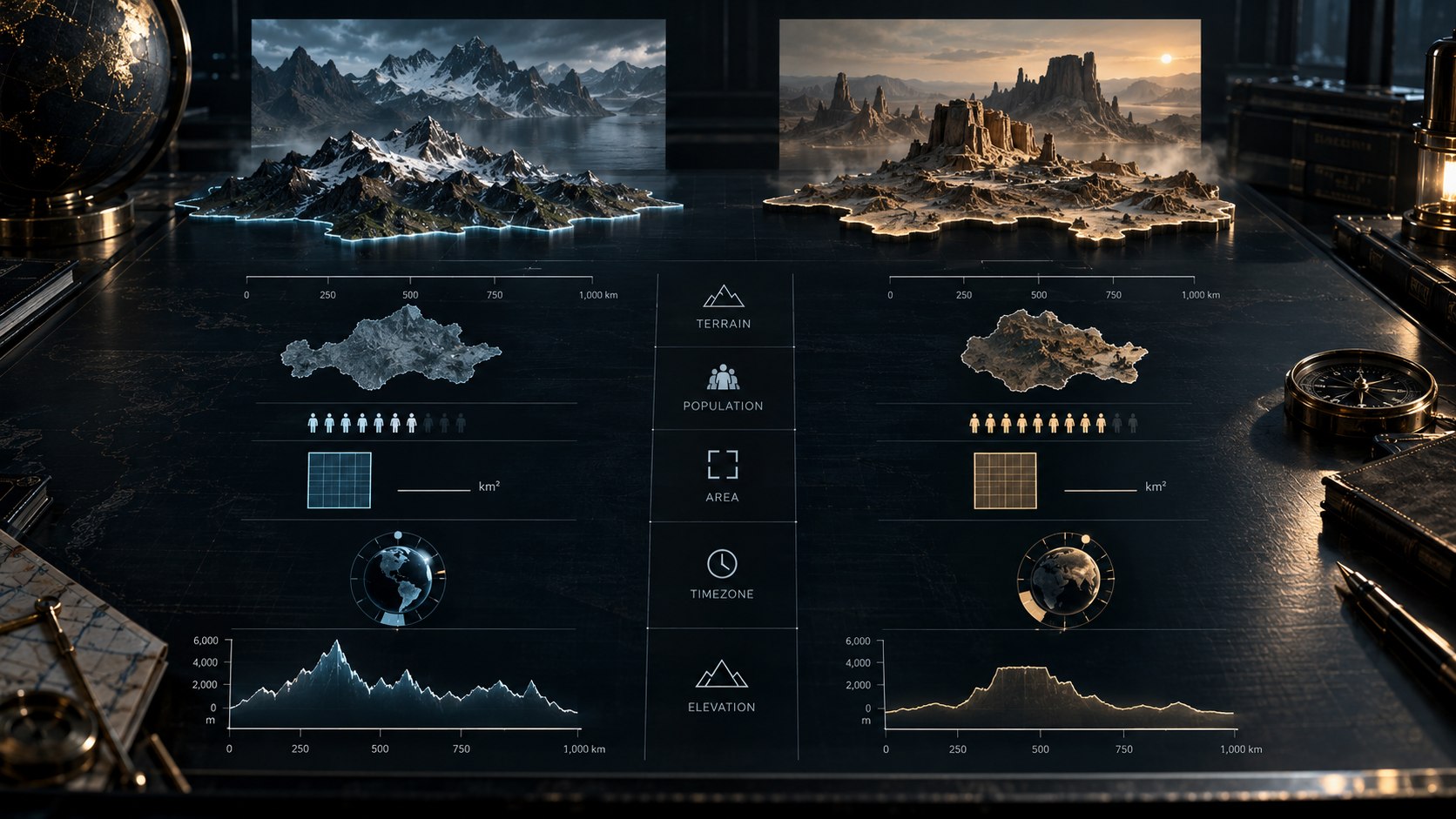
Compare places fairly
The illustration compares two fictional places on shared terrain, population, area, time-zone and elevation scales.
Compare compatible figures, retain their dates and keep unknown values explicit.
A clear path through place discovery
Move from a name to a detailed geographic view.
Enter a country, city, region, landmark or natural feature using a name or geographic code.
Review region and country context before selecting a same-name place.
Read facts, local maps, current local time and attributable enrichment. Keep population dates and unknown values visible.
Align compatible figures. Return to your results, filters and scroll position after opening a full place detail view.
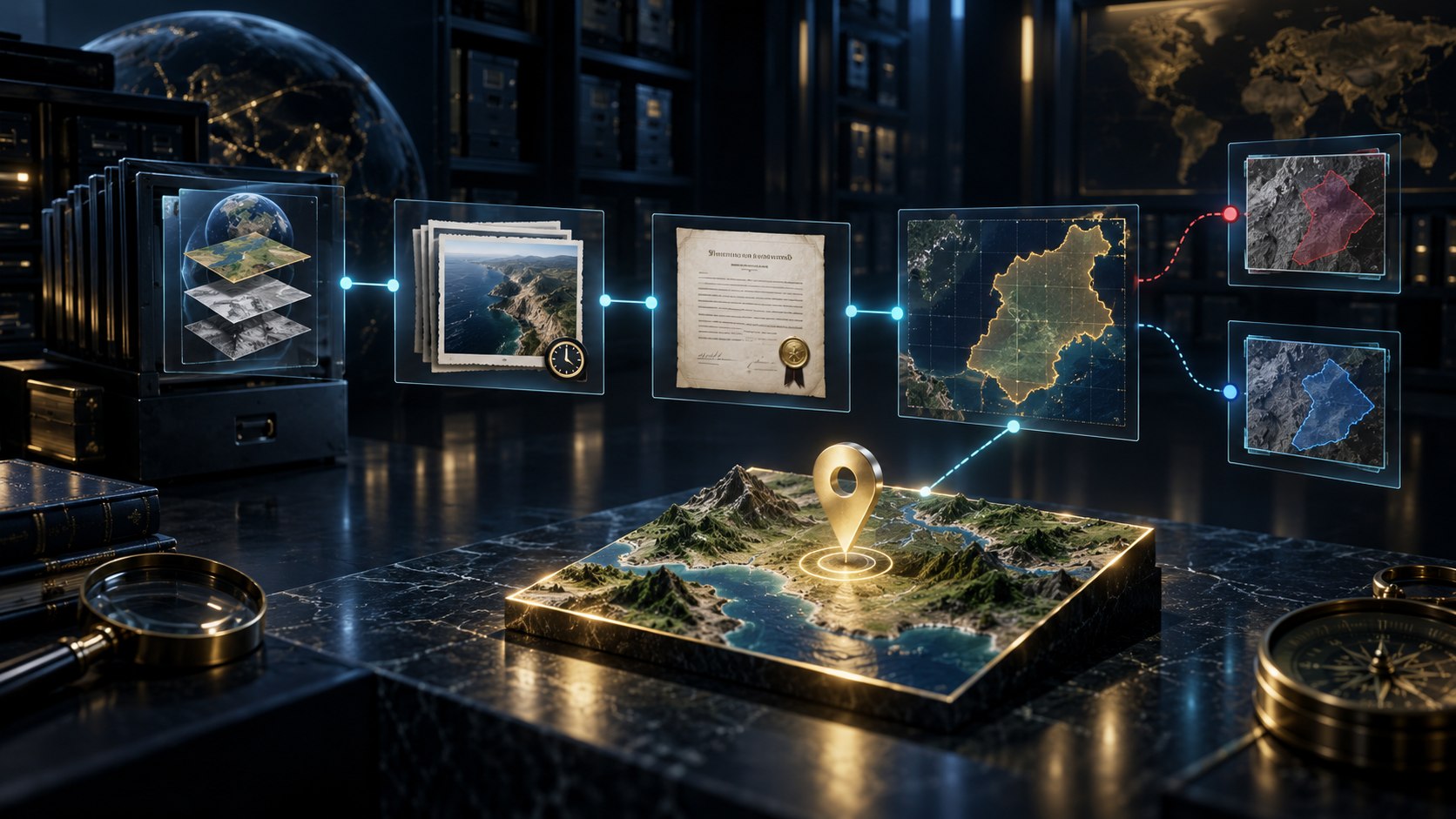
Sources remain attached
The illustration connects a fictional place to a dataset archive, a dated snapshot, licence evidence, a coverage boundary and separate conflicting source records.
Review the provider, licence, confidence and conflicts as part of the place answer.
Geography with its evidence
Keep useful context alongside the place.
Begin locally with GeoNames and Natural Earth geography. Its versions, licences and checksums identify the packaged foundation.
Review attributable Wikidata, Wikimedia Commons and vetted World Bank enrichment alongside the geographic record.
Keep measurement dates, confidence and source conflicts visible. Missing values stay unknown rather than becoming invented facts.
Keep favourite places locally on your device and return to records you want to explore again.
Your workspace and related tools
Open your tools through your VISINVOKE account.

Use World Explorer inside your Windows desktop workspace. Get Desktop Control Centre through your account installer page.

Bring notes or an existing deck into an editable presentation. Refine the slides and export PowerPoint.
Product illustrations show geographic hierarchy, fictional place records, compatible comparison scales and source provenance. They illustrate the product concepts.
Questions and answers
Explore places with dates, sources and uncertainty attached.
Search countries, cities, regions, landmarks and natural features. Open a place to inspect its hierarchy, facts, maps, local time and sourced enrichment.
Use the region and country context to choose the place you mean. Search results retain the geography needed to distinguish similar names.
Compare compatible figures and keep the measurement year attached to population. Unknown values remain explicit.
Provider, licence, confidence and conflict information remains visible. Packaged geography and enrichment providers remain attributable source layers.
World Explorer does not request device location. Local time is computed on your device from the selected place time zone. Favourite places are kept locally.
World Explorer is free with your VISINVOKE account. Use Desktop Control Centre on Windows or the VISINVOKE in-app host on Android. Get Desktop Control Centre through your account installer page.
Continue in VISINVOKE
World Explorer is free with your VISINVOKE account. Use Desktop Control Centre on Windows or the VISINVOKE in-app host on Android.
Create an account or sign in. Get Desktop Control Centre through your account installer page and open World Explorer.